
NetMirror For PC lets users explore a convenient way to access their favorite movies, TV shows, and other entertainment content on a computer.
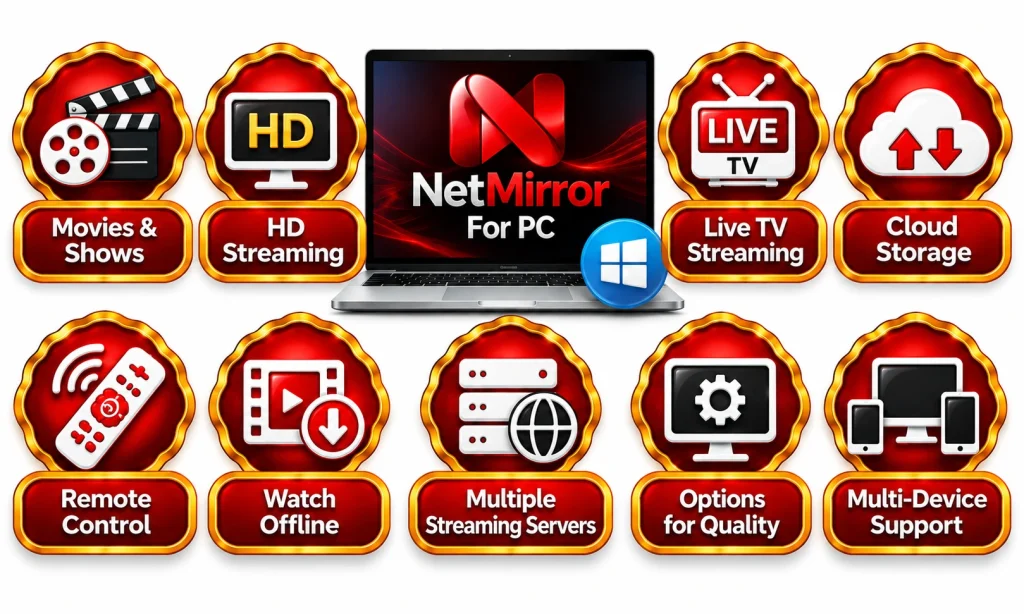
NetMirror for PC:
There may be no separate version of the app for Windows and macOS. However, if an Android version exists, then an Android emulator can be used, such as BlueStacks, to install the APK file on your computer.
- Download the latest version of NetMirror to your PC or laptop.
- Install BlueStacks or any other compatible Android emulator.
- Launch the emulator after installation.
- Choose the option for installing an APK file.
- Wait for the installation process to complete.
- Open this app and enjoy it.